Free workout programs
Free workout programs.Pick one and start today.
Eight complete programs, from three full-body days for a first-time lifter to a six-day split for advanced lifters. Every exercise, set, rep and rest time is on the page, and one tap puts the program on your calendar in the app.
Free · no card · iPhone and Android
8
Complete programs
3 to 6
Days a week
Free
Every program, no time limit
3
Setups: gym, dumbbells, none
Eight programs, all free.
Full Body, 3 days
3 days a week, beginner, gym. Machines and dumbbells, every muscle every session.
OpenPush Pull Legs, 3 days
3 days a week, beginner, gym. Machine and cable led, each muscle once a week.
OpenUpper / Lower, 4 days
4 days a week, beginner, gym. Each muscle twice a week in shorter sessions.
OpenDumbbell Only, 4 days
4 days a week, beginner, dumbbells and a bench. Home or hotel gym.
OpenBodyweight at Home, 3 days
3 days a week, beginner, no equipment. A table edge or bar for rows.
OpenPush Pull Legs, 6 days
6 days a week, intermediate, gym. Barbell lifts first, each muscle twice a week.
OpenPowerbuilding, 4 days
4 days a week, advanced, gym. Two heavy days and two volume days.
OpenArnold split, 6 days
6 days a week, advanced, gym. Chest and back, shoulders and arms, legs.
OpenWhich split is right for you?
Start with the days you can actually train, not the days you wish you could. A program you finish beats a better one you skip half of. Then match your level and your equipment. The full reasoning behind each split is in workout splits explained.
- 3 days, new to the gym: Full Body, 3 days. Every session trains the whole body, so each muscle gets work three times a week. Our first pick for most beginners.
- 3 days, you want the push pull legs structure: Push Pull Legs, 3 days. Machine and cable led, each muscle once a week.
- 4 days at a gym: Upper / Lower, 4 days. Each muscle twice a week in shorter sessions.
- 4 days with only dumbbells and a bench: Dumbbell Only, 4 days.
- 3 days at home with no equipment: Bodyweight at Home, 3 days. You need a sturdy table or a bar for one exercise.
- 6 days, at least six months of steady training: Push Pull Legs, 6 days.
- 4 days, advanced, chasing strength and size: Powerbuilding, 4 days.
- 6 days, advanced, high volume: the Arnold split.
What every program has in common.
A common recommendation for building muscle is to train each muscle at least twice a week with roughly 10 to 20 hard sets per muscle per week, and to add load or reps over time. Most of these programs sit inside that range. Where one does not, its page says so plainly: the 3-day push pull legs trains each muscle once a week, and the Arnold split goes above 20 sets for chest.
Every program follows the same order inside a session: the heaviest compound lift first, while you are fresh, then lighter compound work, then isolation exercises and core. Read more on how many days a week to train and how many sets you need.
Your program, already filled in.
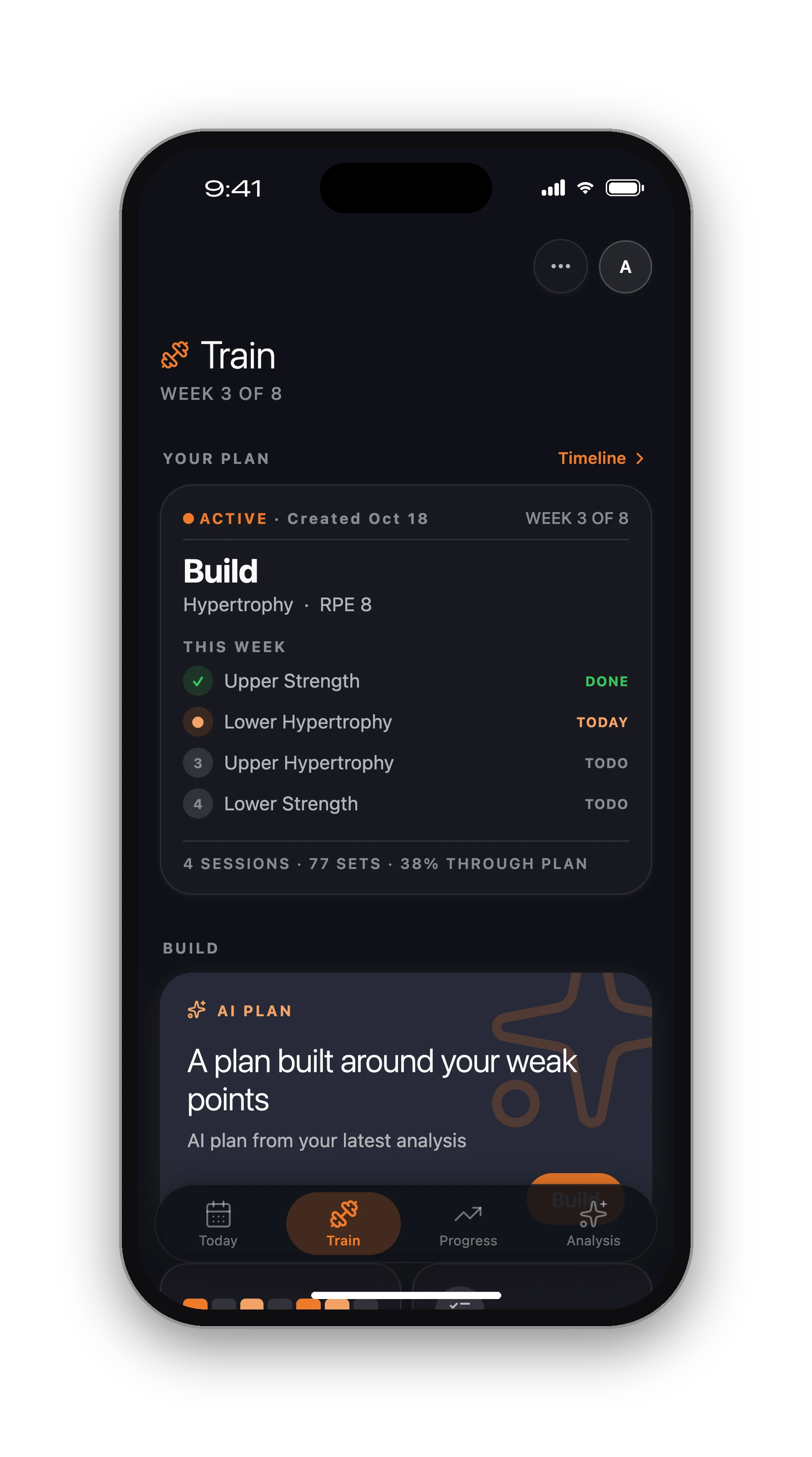
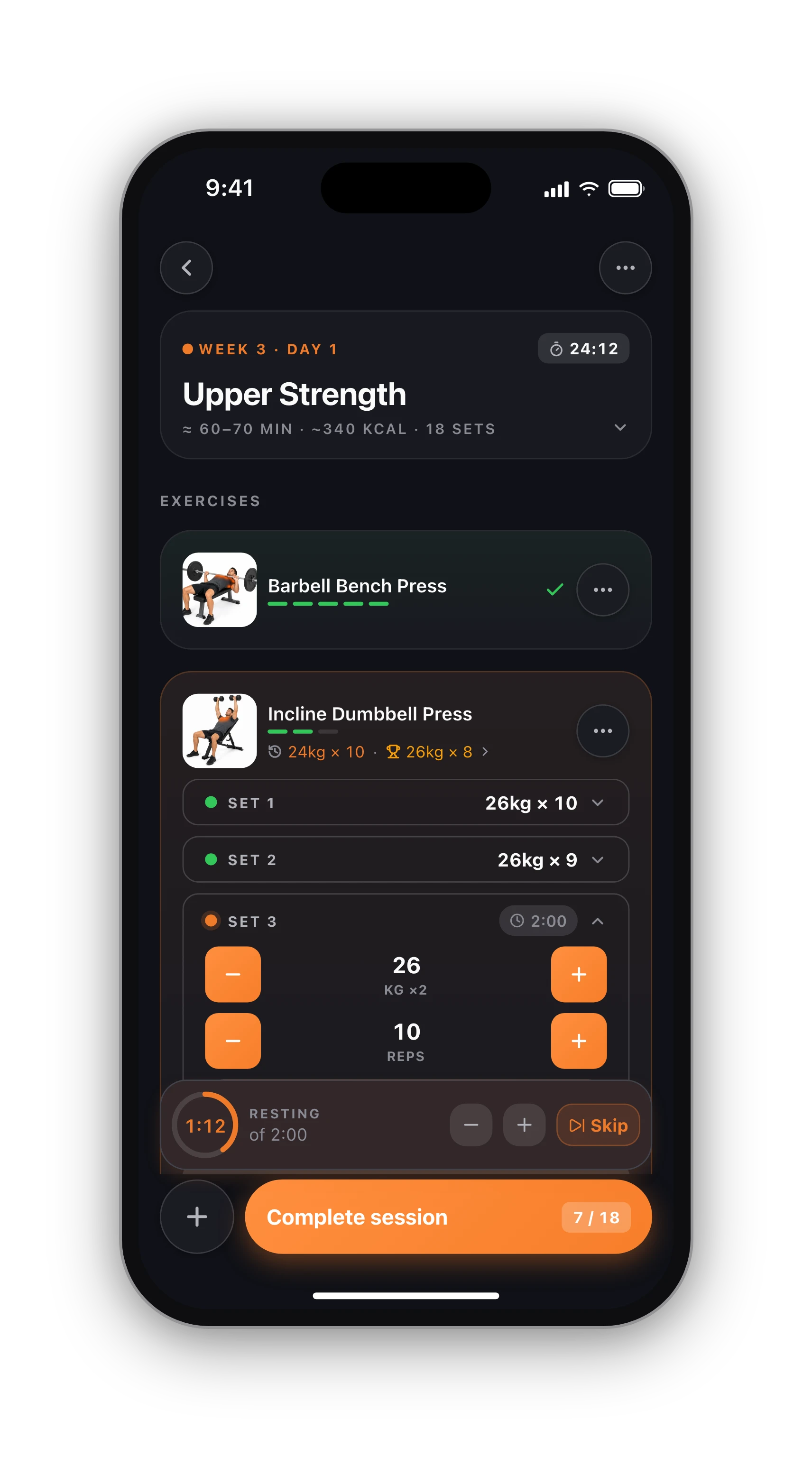
Pick a program in the app and it lands on your calendar with every set, rep and rest time ready. In the gym you see what you lifted last time and your best set under each exercise, the rest timer starts when you tick a set, and the summary lists every new record.
When a session goes differently from the plan, the app asks whether to update the coming weeks, always update, or keep the plan as written. You stay in charge of the numbers. Logging, history, records and charts are free in the workout tracker, with no time limit.
Want a plan built around you?
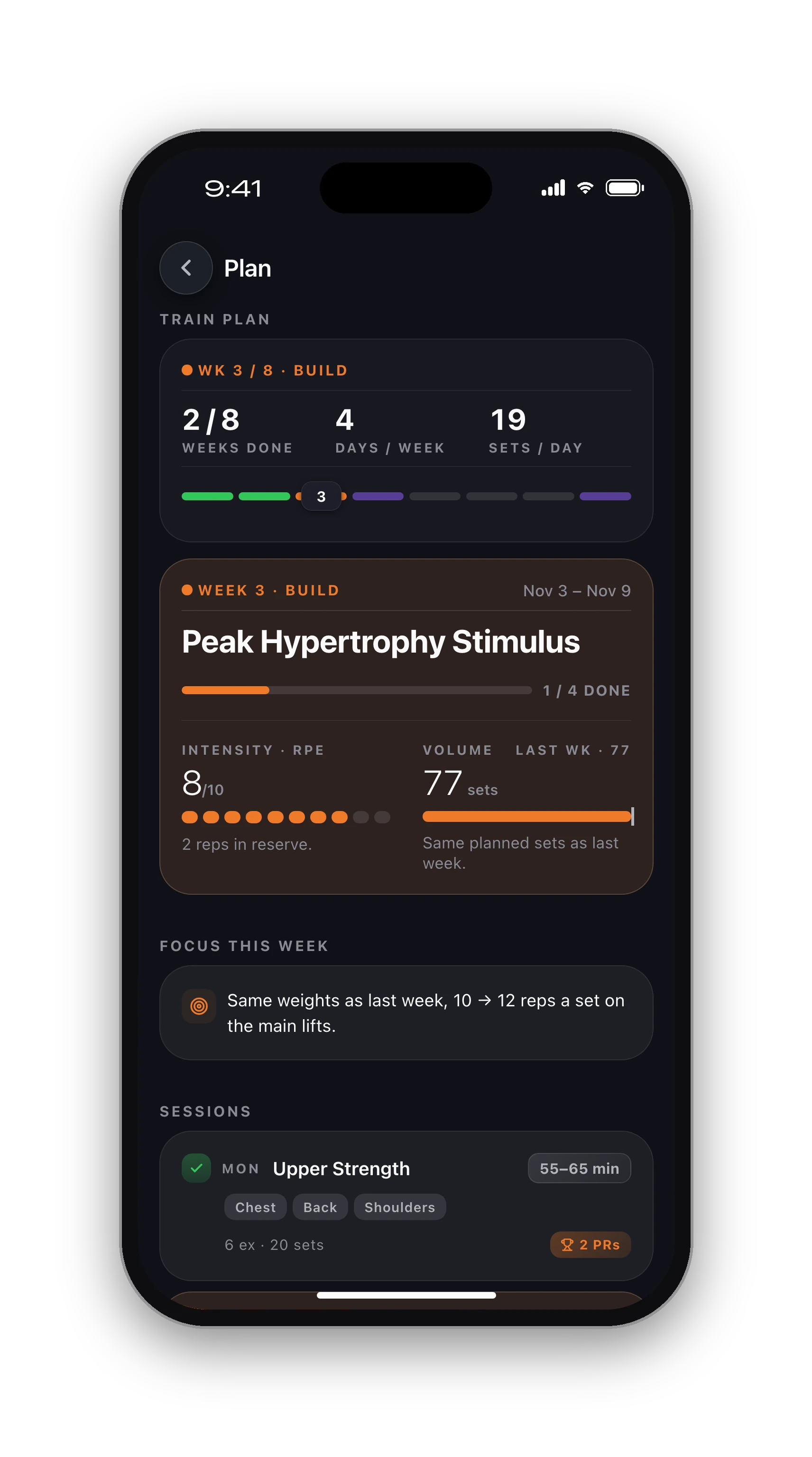
A fixed program is the same for everyone who runs it. If you have an old knee injury, 45 minutes a session, a home gym with odd equipment or a goal none of these fit, the AI workout planner builds the plan from your answers: goal, days, session length, equipment, experience and injuries. It then recalculates the coming weeks from what you actually lifted. That plan is part of Pro (see pricing).
Want a quick first draft without an account? Try the free workout plan generator, or paste a routine you already have into rate my workout routine.
From this page to your first session.
01
Pick your program
Use the guide above: days you can train, your level, your equipment. Read the program's page to see every workout.
02
Add it in the app
Get the free app, open Programs and choose the same one. It lands on your calendar with every set and rep filled in.
03
Train and progress
Tick sets as you go, beat last time's numbers, and let the app carry your progress into the coming weeks.
Know what's free before you sign up.
Free, with no time limit
Log every workout, build your own routines, follow the 8 ready programs, and keep your full history, records and charts. No card needed.
What Pro adds
An AI training plan that adapts to what you lift, full physique reports from photos, form checks inside the app and AI recipes. Trial included.
Straight answers.
The best split is the one that trains each muscle about twice a week with enough hard sets and that you can attend every week. For 3 days that is full body, for 4 days upper/lower, for 6 days push pull legs. Total weekly work and steady progression matter far more than the name of the split.
Three days is enough to build muscle and strength, especially as a beginner. Four days lets each session be shorter and lets you add volume. Six days suits experienced lifters with the time and recovery for it. Choose the number you can keep for months, not the one that sounds most serious.
Yes. Give a program at least 8 to 12 weeks before judging it, because early progress mostly comes from practice. If your schedule changes, switch to the program that fits the new number of days. Your logged sessions, records and charts stay in your history whichever program you run next.
Yes. All 8 programs, logging every session, your history, records and charts are free in the app with no time limit and no card. Pro is a separate thing: an AI plan built around you that adapts each week, plus physique reports, in-app form checks and recipes.
No. Six programs are built for a gym, but the dumbbell program needs only a pair of dumbbells and a bench, and the bodyweight program needs no equipment beyond a sturdy table edge or a bar for rows.
Keep going.
AI workout planner
A plan built from your goal, days, equipment and injuries.
OpenWorkout tracker
Log every set and see last time's numbers while you lift.
OpenWorkout splits explained
Full body, upper/lower, push pull legs: how each works.
OpenWorkout plan generator
A free first draft of a plan, no account needed.
OpenPrintable workout log
Prefer paper? A free log and spreadsheet template.
OpeniPhone, Apple Watch and Android.
HyperBody runs on iPhone with an Apple Watch app, and on Android. Your workouts, programs and records follow your account, and the web app shows the same data.


Pick a program. Start Monday.
All 8 programs are free in the app, with every set and rep filled in.
Start a program free