Import & Enhance
Your routine.Built around you.
Bring the training you already follow. Use your body report to adapt the exercises and volume to your build, weak points and limitations.
In the app. Review every change before saving.
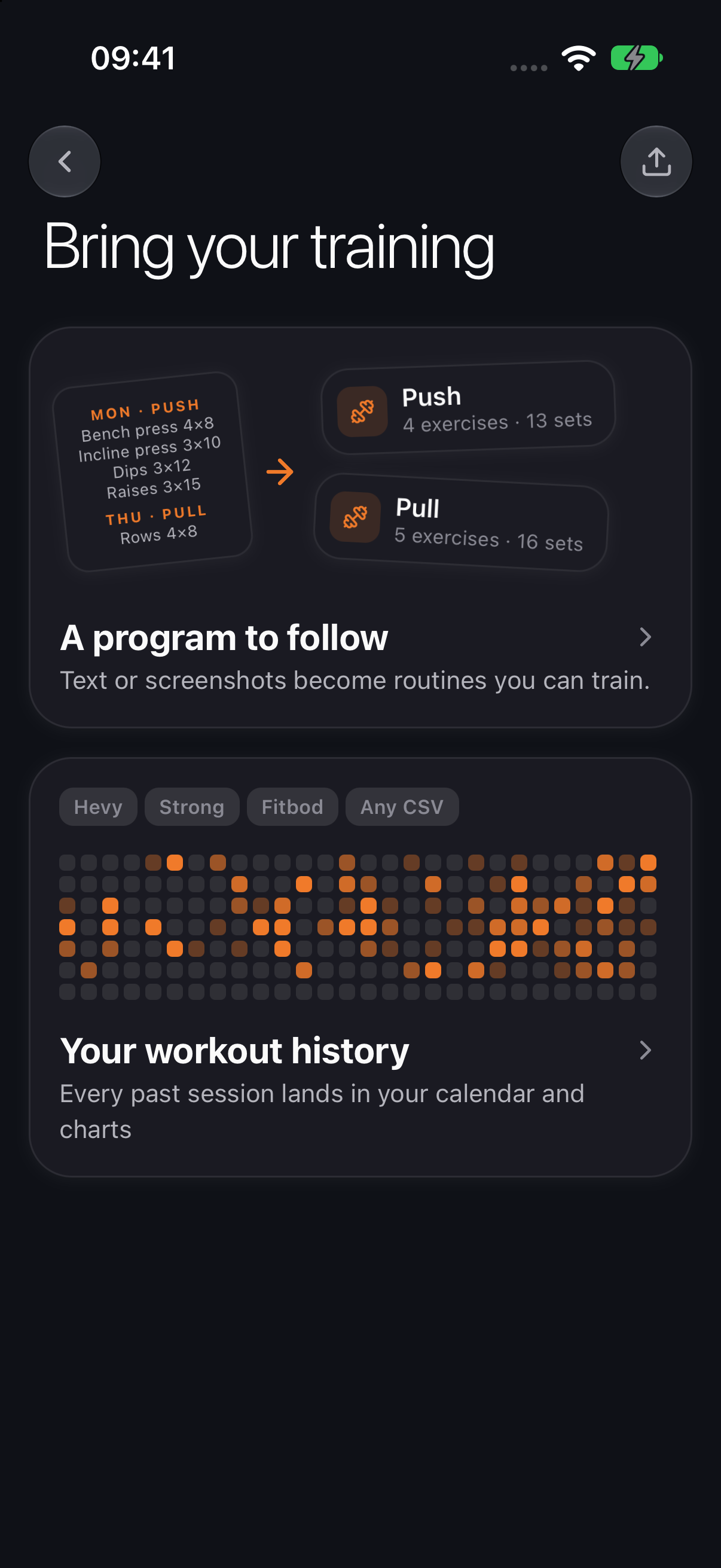

Keep your starting point. Make it personal.
A coach’s split or a routine from your notes. Bring it into HyperBody, then connect what you train with what your body report says needs attention.
- Your muscle priorities
- Your report guides where to add work and adjust sets across the week.
- Your proportions
- Body proportions and posture findings inform exercise swaps, with a reason for each suggestion.
- Your limitations
- Tell HyperBody about injuries or areas to go easy on. Your answers help filter the exercise options.
Accept or skip each suggestion. Save a tailored copy and keep your original.
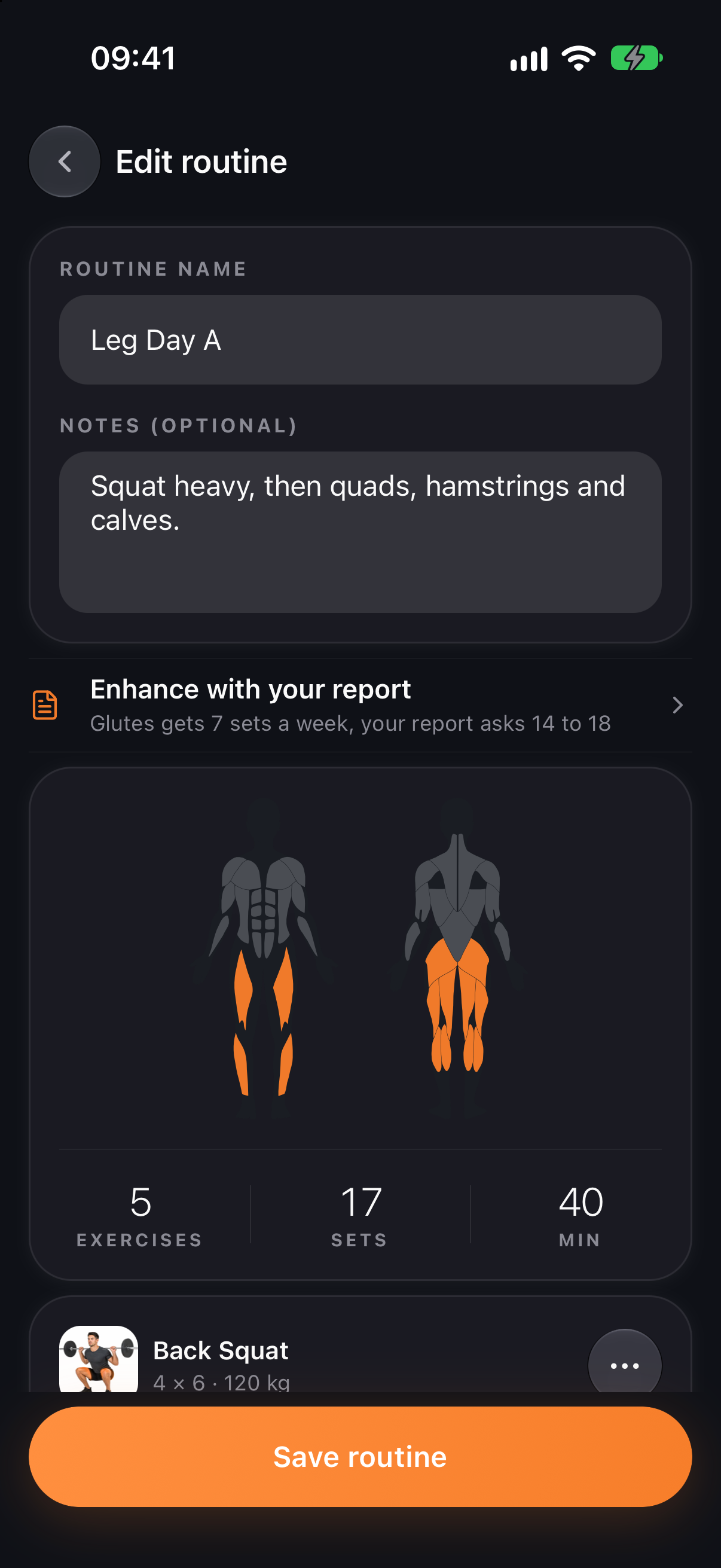
Bring your program. Choose what changes.
01
Import your workout
Paste text or add screenshots. Check the days, exercises and sets before saving.
02
Connect your report
Complete your body analysis and share any training limitations.
03
Review the suggestions
See the reason for each addition, swap or set change. Keep the changes you want.
04
Train your tailored plan
Save an enhanced copy, then apply it to your calendar when you’re ready.
Train. Track. Scan again. Keep learning.
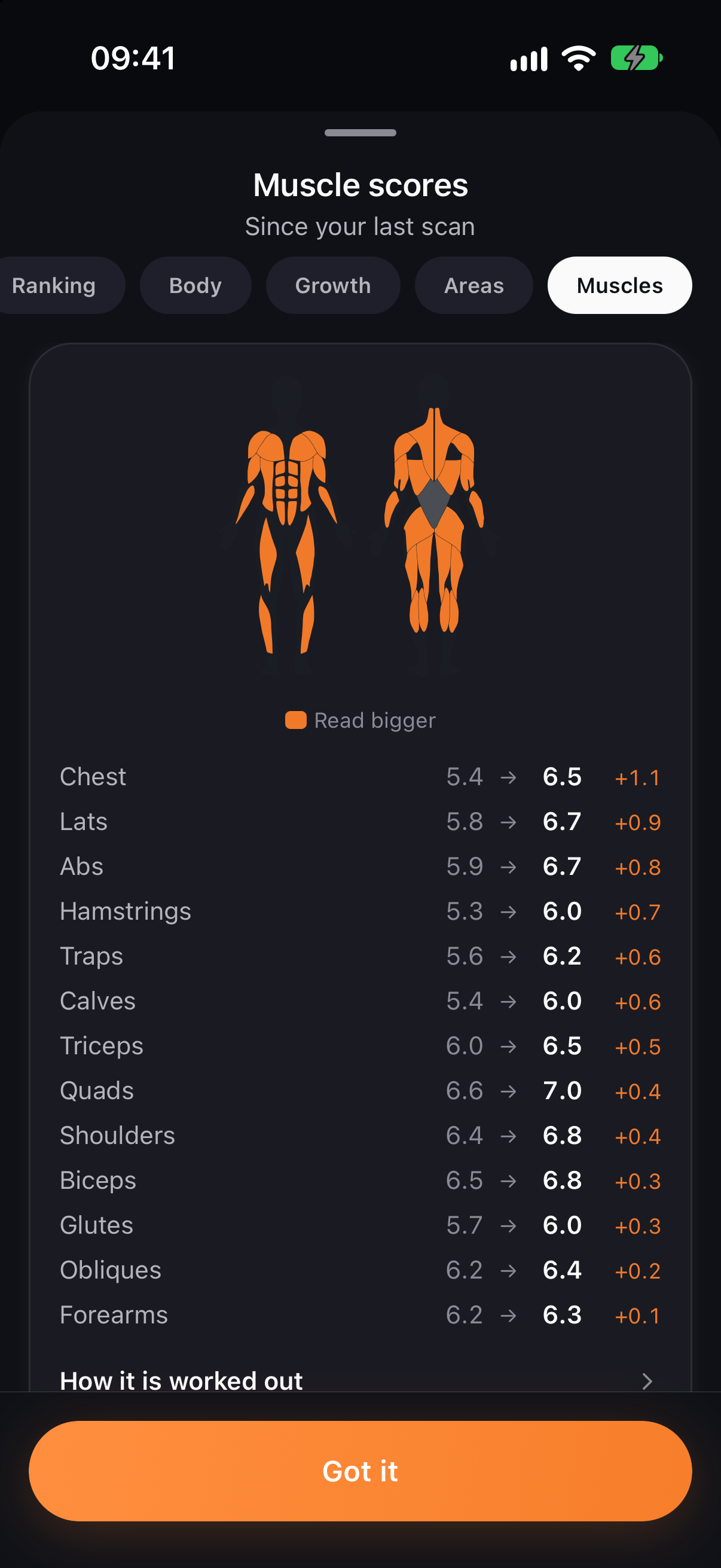
Your report becomes something you can act on. Train with your tailored program, compare your next scan, then revisit your routine using your latest report.
- 01Train and log your sessions
- 02Compare your next body report
- 03Review your training priorities
Your routine. Your questions.
Smart Coaching creates a new plan from your report. Import & Enhance starts with your own routine or program and proposes changes for you to review.
Paste workout text or add up to five screenshots. Review the extracted days, exercises and sets before saving. Past workout history has its own import flow.
You can import without a report. Complete a body analysis before using Enhance so the suggestions can use your muscle priorities and proportions.
You choose which suggestions to accept and save an enhanced copy. Your original stays available. Applying the copy to your calendar is a separate step.
Yes. A single routine is tailored as one session. A whole program provides the weekly context for balancing volume. Unmatched exercises are excluded from volume counts and injury checks.
Bring what you train. Build on what you learn.
Your routine and your body report, working together.
Get HyperBody